Automated setup
Automated invoice coding.
Nothing to map.
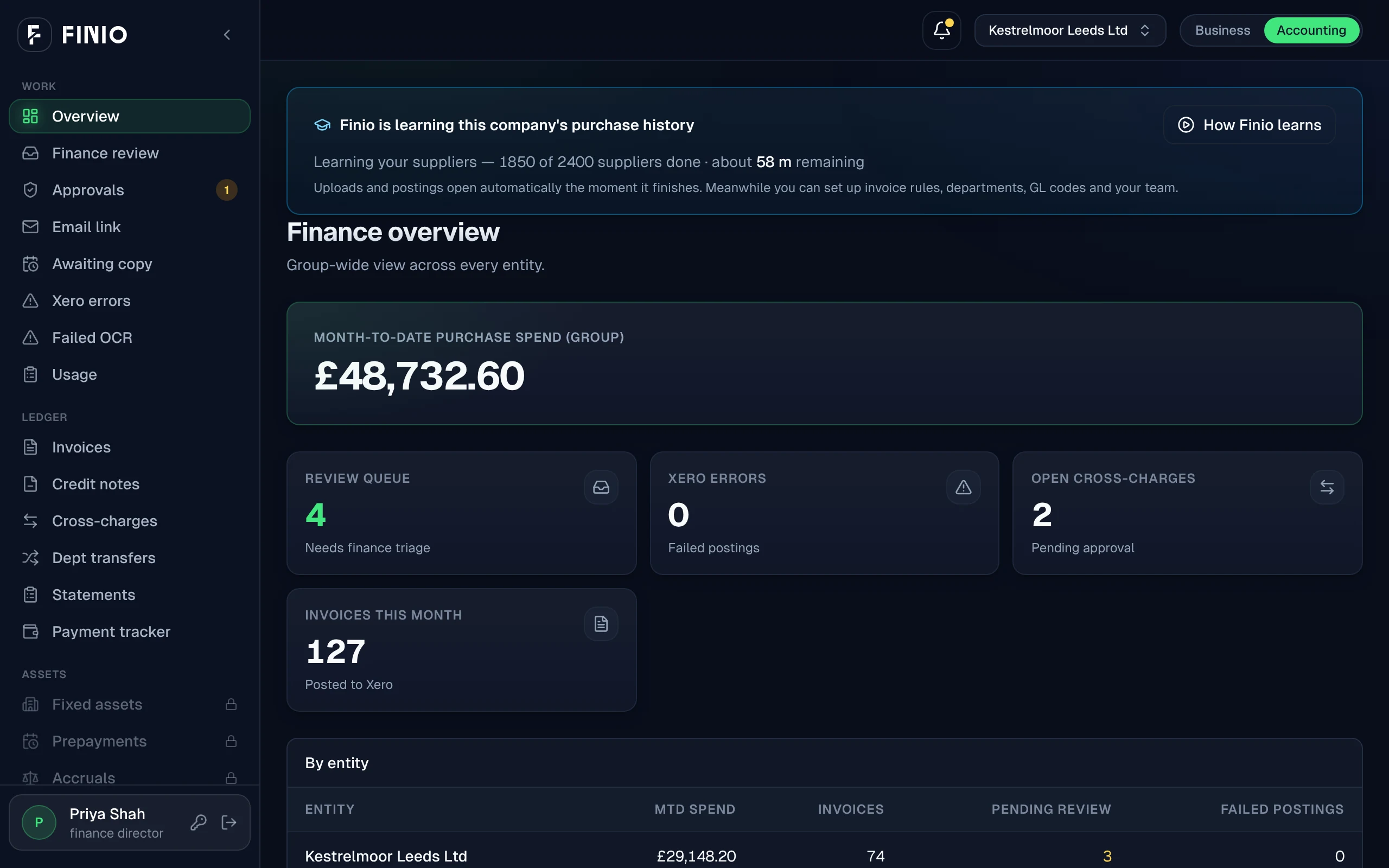
Connect Xero and FINIO learns from your Xero chart of accounts and a year of past bills. When it's done, send your first invoice and every line comes back coded, with its reason.
How it starts
Two steps. That's the setup.
- 01Connect XeroSign in to Xero and pick the organisation. FINIO reads your Xero chart of accounts, your suppliers and a year of past bills.
- 02Send your first invoiceOnce FINIO has finished reading, email it, upload it or snap it on site. Every line comes back with an account code and the reason for it.
- 03There isn't a step three.
After that, if you want
Optional controls, when you want them.
Invoice coding works without any of these. Use them to fine-tune FINIO once it's live. Each one has a short video on the guides page.
- Give departments their own codesChoose which accounts each team can code to.
- Review supplier matchingCheck which supplier each invoice was matched to, and fix any it got wrong.
- Holds and alertsFinance directors set which invoices are held, and who's told.
For comparison
What setup usually looks like.
Other AP tools
Supplier mapping
Every supplier coded by hand
Rules session
Exceptions missed, fixed later
Learning period
Every invoice checked twice
Go-live date
Planned weeks ahead, often late
Often 4 to 8 weeks
FINIO
Connect Xero
Reads your Xero chart of accounts
First invoice coded
Coded from your own past bills
Same afternoon
Why setup decides everything.
Most of what AP automation costs is paid before the first invoice: mapping suppliers, writing rules, checking the tool's work. A group with eight sites pays that eight times. Take setup away, and automated invoice coding is worth it for a single company as well as a big finance team.
Questions
Questions about setup.
Do I need to map suppliers or nominal codes to set up FINIO?
No. FINIO reads your Xero chart of accounts and your supplier records itself. It works out each code from your past bills, and you don't need a setup call.
How long does FINIO take to learn our invoice history?
It depends mostly on how many suppliers you have. In two test runs on separate companies, FINIO learned 4,000 invoices from 200 suppliers in 40 minutes, and 6,000 invoices from 377 suppliers in 1 hour 20 minutes.
What does FINIO need access to in Xero?
Access to the Xero organisation you connect. FINIO reads your chart of accounts, suppliers, bills and ledger, and can post bills, credit notes and journals. Nothing is posted until you've seen exactly what it would write.
What is invoice coding?
Invoice coding means giving each line of a supplier invoice the right account code, so every cost lands in the right place in your books. By hand it's slow, and easy to get wrong when one invoice mixes stock, cleaning supplies and equipment.
How does automated invoice coding work in FINIO?
FINIO studies your past bills in Xero to learn how your business codes each supplier and item. It drafts the coding rules from that history, and your finance team signs them off once. After that, every new invoice line comes back coded, with a short reason you can check.
Does FINIO change the chart of accounts in Xero?
No. FINIO codes to the accounts already in your Xero file, as they stand. There's nothing to tidy up or rebuild before you start.
See it code one of your invoices.
The demo shows how many rules were written by hand. The count is zero.