Xero integration
Accounts payable automation connected to Xero.
FINIO connects to each Xero organisation through Xero's own API, with a consent you grant and can take back. This page says what it reads, what it posts, how several companies connect, and where the connection stops today.
Fit
Who this integration is for.
UK groups on Xero: several companies, each with its own Xero organisation, or one company with several sites kept apart by tracking categories. Xero is the only accounting system FINIO connects to today. Sage 50, QuickBooks and NetSuite are planned, not live.
The connection
What FINIO reads from Xero, and what it can post.
State one
The public demo
Reads your document and codes it against a standard UK trade chart. Not connected to any Xero organisation. Nothing is posted anywhere.
State two
FINIO, connected
Codes against your own chart and supplier history, matches delivery evidence, holds differences, reconciles statements.
State three
Your Xero organisation
Stays the ledger. FINIO reads from it and posts to it; your bank, bank feeds and chart of accounts are untouched.
Reads
- Chart of accounts
- The accounts FINIO codes to. It reads them as they are and never changes them.
- Suppliers
- Your contacts, so an invoice is matched to the supplier record you already have.
- Purchase history
- A year of bills and credit notes, learned once at setup to build the coding rules.
- Tax rates and tracking categories
- So each line carries the right VAT treatment and the right site or department.
- The ledger
- Read back for statement reconciliation, so a missing invoice is found against Xero, not against a copy.
Posts
Bills
Posted as authorised, coded line by line, with the invoice PDF attached. A bill with a held difference does not post until a person clears it.
Credit notes
Posted and allocated against the bill they settle, so the supplier balance is right without a journal.
Journals
The intercompany journals for a cross-charge, in both companies' files, and the journal for a departmental transfer inside one company.
Nothing else is written. FINIO does not make payments, does not touch bank feeds and does not change your chart of accounts.
Follow one through
Follow an invoice into the ledger.
- 01The invoice arrivesFrom the finance inbox, an upload, or a photograph taken on site. FINIO reads every line.
- 02Each line is codedTo an account in your chart, with the reason shown. Preset rules first, then what it learned from your history.
- 03It is matched to the delivery evidenceThe site's delivery note, and the order where there is one. Every difference is listed.
- 04Anything held waits for a personA short delivery, a price above the agreed list, a credit that does not fit. Nothing posts from a held line.
- 05The bill posts to XeroAuthorised, with the PDF attached, to the supplier record you already have.
- 06The statement is reconciled against the ledgerAt month-start FINIO reads the ledger back and sets each supplier statement against it.
Groups
Connect several Xero companies.
Each organisation is connected on its own, with its own consent, to the one FINIO account. Finance sees spend and exceptions across all of them; a site team sees only its own. A cross-charge raised in one company is agreed by the other and posts the intercompany journals in both files. One company running several sites keeps them apart with Xero tracking categories, and FINIO posts each line with its category.
Accounts payable across your Xero companies →How a cross-charge posts in both →
Consent
Permissions and disconnection.
- You connect each organisation yourself, through Xero's consent screen, as a user who can authorise apps for it
- FINIO asks for what the reads and posts above need: accounting transactions, contacts and settings. It does not ask for bank or payroll access
- You can revoke the connection from Xero's connected apps at any time. FINIO stops reading and posting from that moment
- Documents and extracted data are held in the UK; the processors that read documents are named on the security page
Getting going
Setup and review.
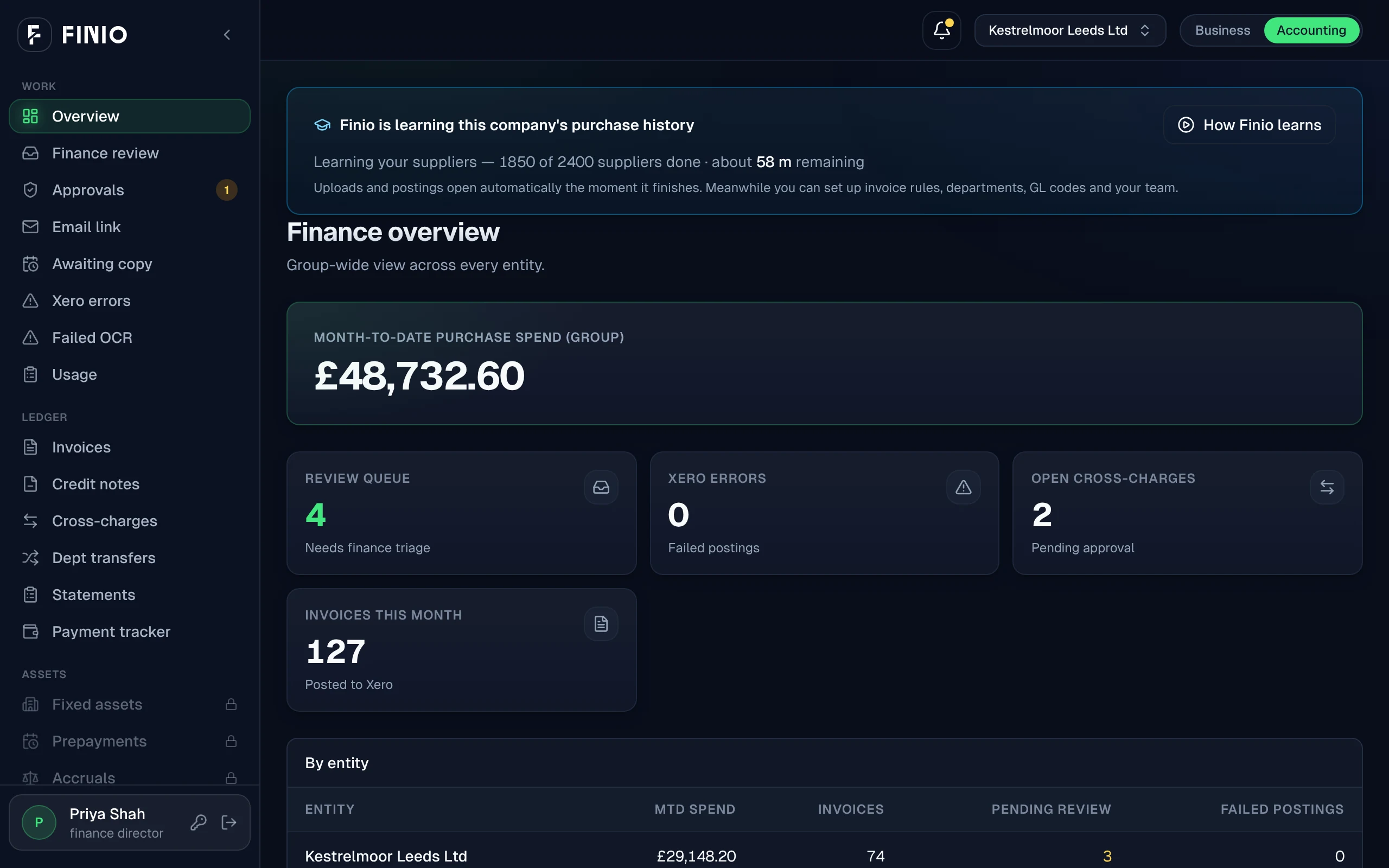
Connect Xero and send the first invoice; there is no mapping session. FINIO learns a year of purchase history on its own: 4,000 invoices across 200 suppliers took 40 minutes on one entity, and 6,000 across 377 took an hour and twenty on another. After that, a person reviews what FINIO holds, not what it posts: the differences, the credits that do not fit, the statement lines missing in Xero.
Today
Current limits.
Ordinary supplier-bill approvals
Routing every supplier bill for approval before it posts. The approval loop exists for cross-charges and transfers today; keep your existing approval tool for ordinary bills until this ships.
Paying suppliers from FINIO
FINIO shows what is ready to pay. The bank still makes the payment.
Till (POS) sales feeds
Square, Zettle, Lightspeed and EPOS Now. Until then site managers enter sales by hand.
Also worth knowing
Ordinary supplier-bill approval routing is planned. Keep your existing approval process where required. The public demo is not a live Xero connection. Xero is the only ledger FINIO connects to today.
Questions
Xero integration questions.
Do I need to change my chart of accounts for FINIO?
No. FINIO reads your chart of accounts as it is and codes to the accounts you already use. It never adds, renames or archives an account.
What does FINIO post to Xero?
Bills, with the invoice PDF attached; credit notes, allocated against the bill they settle; and the journals for cross-charges and departmental transfers. Nothing else. It does not make payments and does not touch bank feeds.
Does FINIO approve a bill before it posts?
A bill posts when its lines are coded, it matches the delivery evidence and nothing is held. Cross-charges and transfers wait for the other side's approval. Routing every ordinary supplier bill for approval is planned; keep your existing approval process where you need one.
Can I connect several Xero organisations?
Yes. Each organisation is connected separately, with its own consent, to the one FINIO account. A cross-charge raised in one company posts in both. One company with several sites uses tracking categories on a single organisation.
How do I disconnect FINIO from Xero?
From Xero's connected apps, at any time. FINIO stops reading and posting from that moment.
Is the website demo connected to Xero?
No. The demo reads a document and codes it against a standard UK trade chart. The product codes against your own chart and supplier history once Xero is connected.
See the workflow.
The demo codes against a standard chart and is not connected to Xero. The call is where we look at yours.