Blog
Nobody tells you how their AI codes an invoice
Darsh Bhatt, Management accountant. Runs the month-end for a multi-site Michelin-starred London restaurant group.
Published 15 September 2026
Every AP automation vendor publishes the same shape of number.
Up to 95% faster invoice processing. 99.2% capture accuracy. 80% faster than manual. 3.1 days instead of 17.4.
Every one of those is an outcome. None of those pages tells you how the system decides where an invoice line goes.
That matters because the failure you pay for is rarely a missed invoice. It's a line coded to the wrong nominal, at the wrong site, that nobody catches until the GP% looks strange and someone spends a Tuesday finding out why.
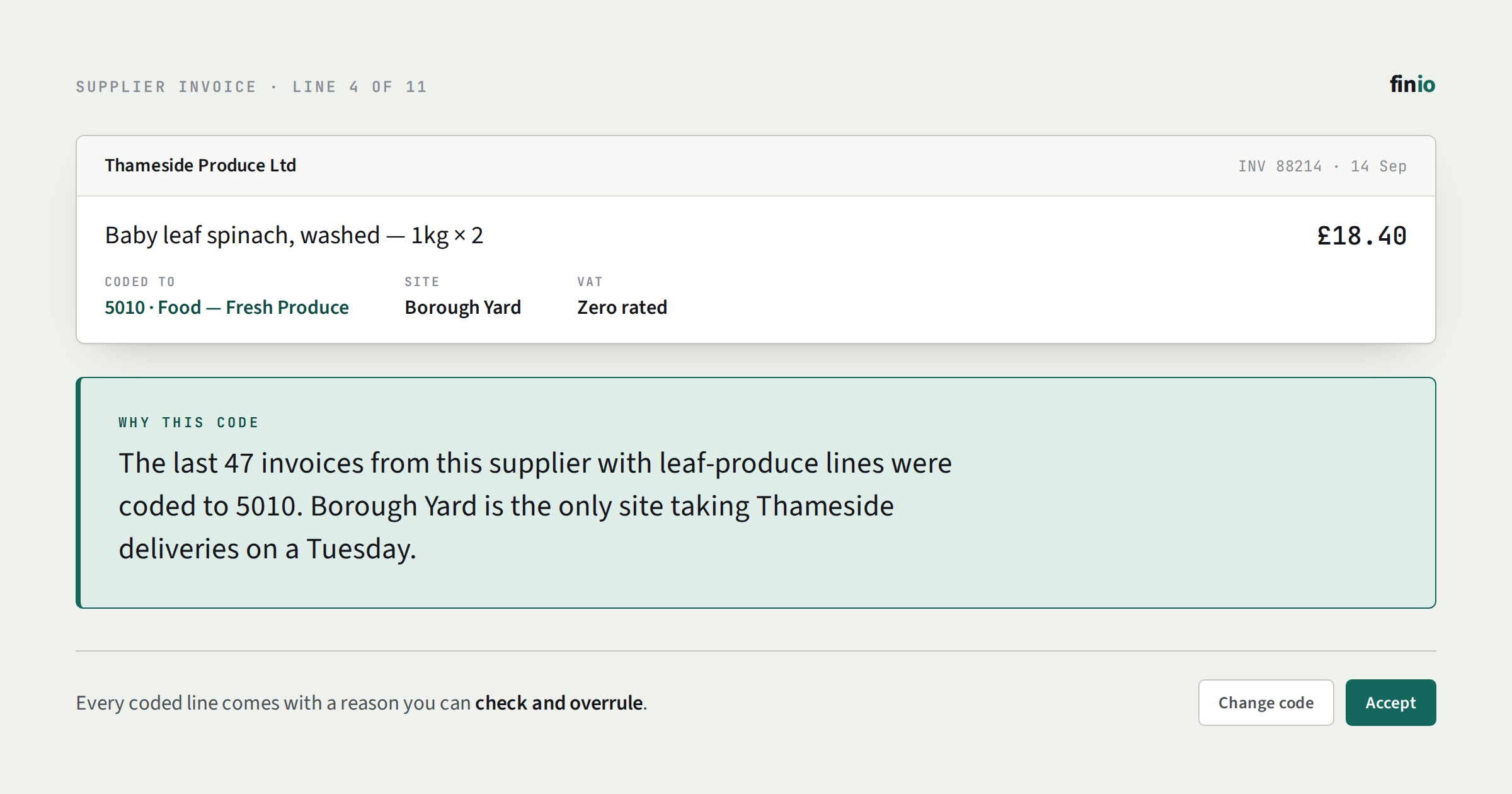
We built FINIO so it reads a year of your own coding history before it touches a live invoice — no mapping session, no rules to write — and every line it codes afterwards comes with a plain-English reason you can check and overrule.
One line, start to finish
Here is what that looks like on a real line, with the names changed.
A produce wholesaler's invoice arrives at a restaurant with two sites. One of the lines reads:
Ginger, 5kg · £18.40
FINIO codes it to 292 Beverage and shows the reason next to the code:
'Ginger' has gone to 292 Beverage before on this supplier's bills.
That reason is the whole basis for the decision. There is no rule for ginger anywhere, and nobody mapped this supplier. Over the past year, every time this wholesaler billed ginger, the line was posted to Beverage, because the bar buys it for a house syrup. So that is where this line goes, and the screen says so.
Now the kitchen starts buying ginger from the same wholesaler. The general manager opens the invoice, sees the line coded to Beverage, and changes it to 310 Food. That takes one click, and the correction is recorded against the supplier and the item, with who made it and when.
Two things follow from the correction. The next ginger line from this wholesaler is no longer coded on history alone. Because the item now goes two ways, FINIO leaves it for a person and says why:
'Ginger' goes both ways on this supplier's bills — Food on 1, Beverage on 12 — left for ops or finance to decide.
And if finance wants to settle it for good, they can: set the item, or the whole supplier, to one code once, and from then on the reason reads "Finance set this supplier to 310 Food on 14 October" rather than anything inferred.
Every line on every invoice gets this treatment, and line-item extraction is where the rest of it is explained. If you would rather see it than read about it, the demo reads one of your own invoices in about 30 seconds and shows a reason on each line.
An accuracy figure has to be taken on faith. A reason can be checked.
Related articles